MuniMins Recorder App
What It Does
The MuniMins Recorder App, an option add-on feature, lets you record board meetings from a phone or tablet and upload directly to your MuniMins account — all from your device. This is perfect for meetings that are otherwise not recorded or "offline".
Recording
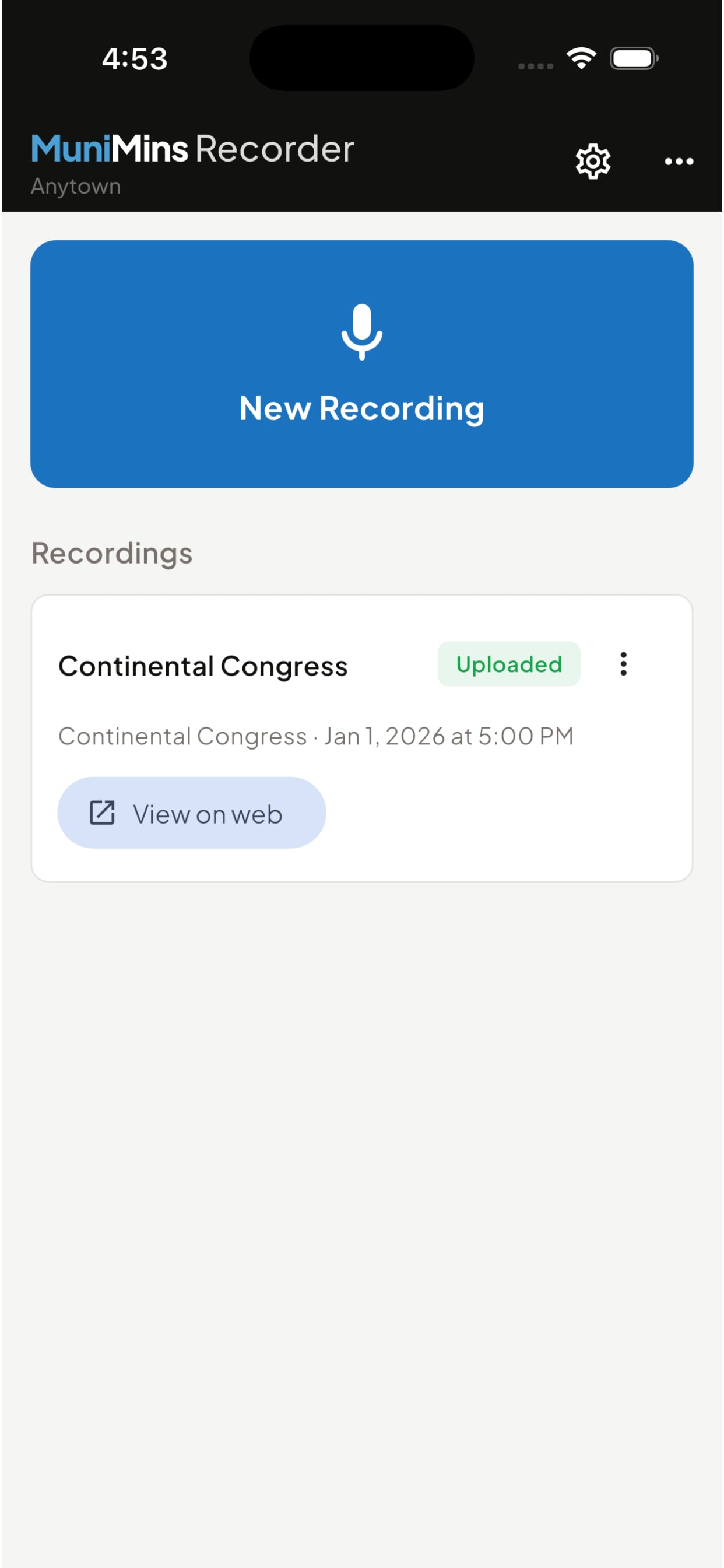
- Open the app and select "New Recording"
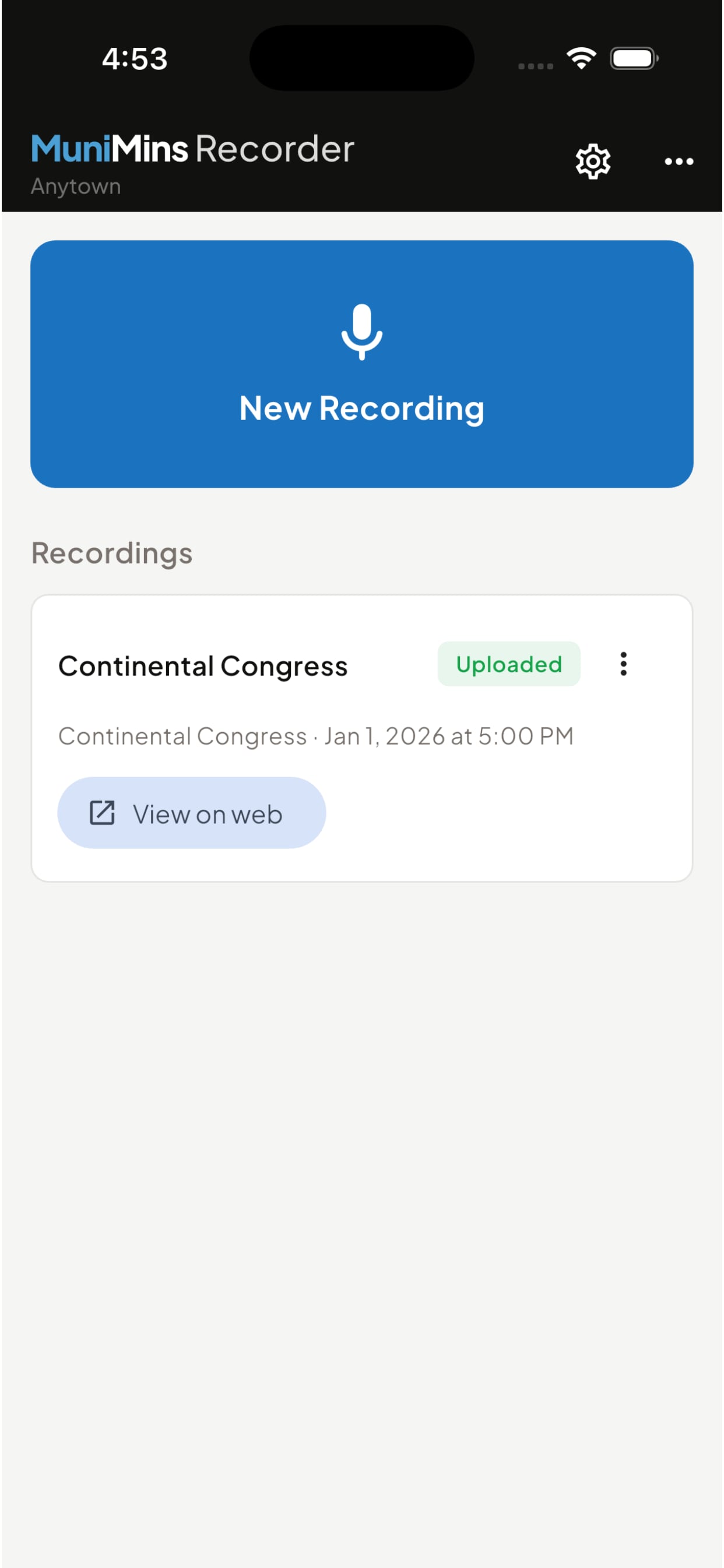
- Enter your board, meeting date and time (the current time and date are automatically filled in, but they can be changed if needed)
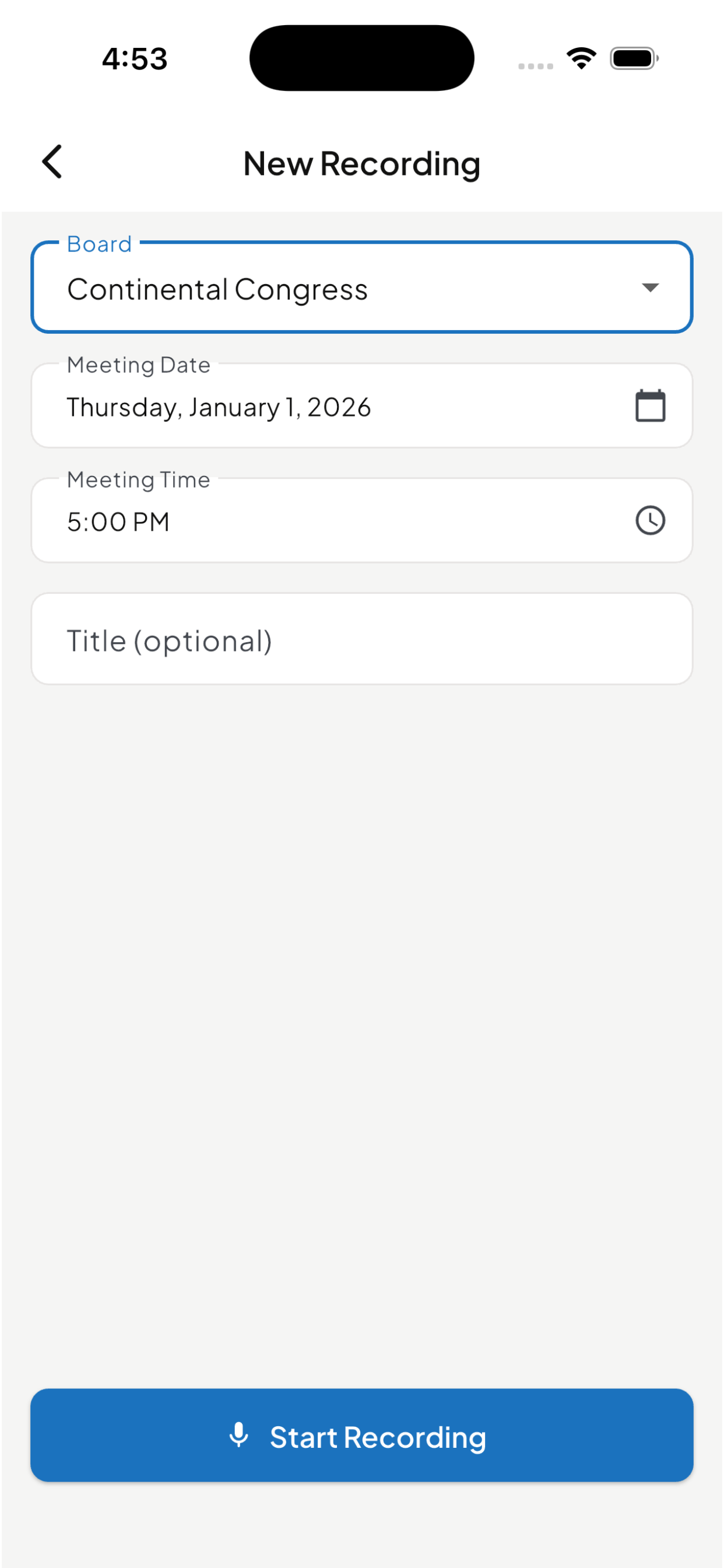
- Tap Start Recording and place your phone in the center of the meeting table.
- Watch the Built-In Volume Meeter to ensure all speakers are clearly heard.
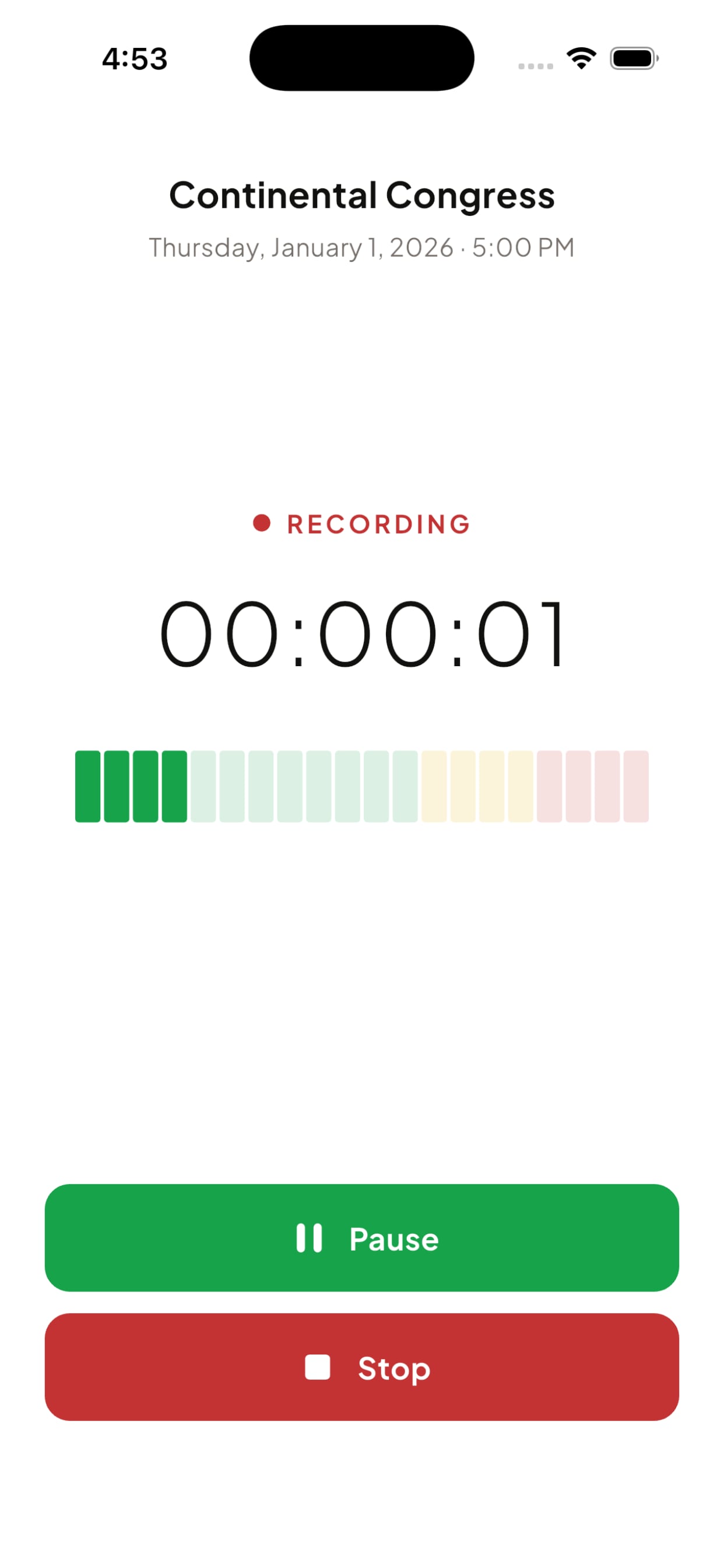
- Once the meeting is completed click on "Stop" and MuniMins Recorder will close the recording session.
- MuniMins Recorder will upload the meeting and show you the current progress of the upload.